Special Soundboard
A classroom soundboard with a built-in star reward system.
Checkout is coming soon. You’ll be able to buy through Lemon Squeezy once the store is ready.
- Portable version included
- Works offline
- No admin rights needed
Overview
Special Soundboard turns any Windows PC into a classroom soundboard. It floats above your other applications as a physical-looking keyboard: click a key and the sound plays instantly — over Zoom, PowerPoint or whatever else is on screen. Because it is transparent and stays on top, it never gets in the way of the lesson or disappears behind a shared window.
It grew out of day-to-day teaching: quick sound effects for games, listening activities and rewards, without alt-tabbing away from the lesson. You decide how many rows and keys the board has, and you can drop any mp3, wav, ogg or flac file onto a key. The board itself is resizable and can be dragged anywhere on the desktop.
A separate student row adds a light reward system. Keep your class list on the board, give a star for a good answer, and watch the reward fly to the student with a sound. Totals are saved automatically, and the star artwork upgrades as students collect more — from silver through gold, diamond, rainbow and beyond.
Features
Everything important at a glance — no hidden extras and no subscription.
-
Customisable soundboard
Choose how many rows and keys your board has, resize it, and move it anywhere on the desktop.
-
Your own sounds
Click “+ Add Sound” to copy any mp3, wav, ogg or flac file onto the board and assign it to a key.
-
Student names
Keep your class list on the board. Names, fonts and star totals are restored the next time you launch.
-
Animated star rewards
Press the star and it flies to the student with a sound. Totals update automatically — never below zero.
-
Star tiers that grow
Silver, gold, diamond, rainbow, void, celestial and infinity tiers, with animated auras at the top levels.
-
Customisable appearance
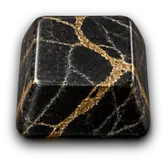
Swap keyboard materials and key styles, or add your own textures and sprite sheets from your PC.
-
Key label fonts
Use real fonts for the key labels with adjustable colour and perspective tilt. Drop in your own .ttf files.
-
Easy on classroom laptops
The board only redraws when something changes, so it stays quiet and light while you teach.
Screenshots
Click any image to open it larger.
System requirements
- Operating system
- Windows 10 or Windows 11
- Architecture
- 64-bit (x64)
- Storage
- About 150 MB installed (the download is ~87 MB)
- Internet
- Not required after downloading
- Audio
- Any Windows audio output device
- Other software
- None — Python and extra runtimes are not required
What you get
- Full installer (SpecialSB-1.0.0-setup.exe)
- Portable no-install version (SpecialSB-1.0.0-portable.zip)
- A personal teacher licence — install on the computers you use
- Updates included for this version
- All included sounds, keyboard materials, key styles and fonts
- SHA-256 checksums so you can verify your download
- Email support
Version & updates
Current version 1.0.0 · last updated
- First public release.
- Customisable soundboard with student star rewards.
- Installer and portable builds.
More classroom tools
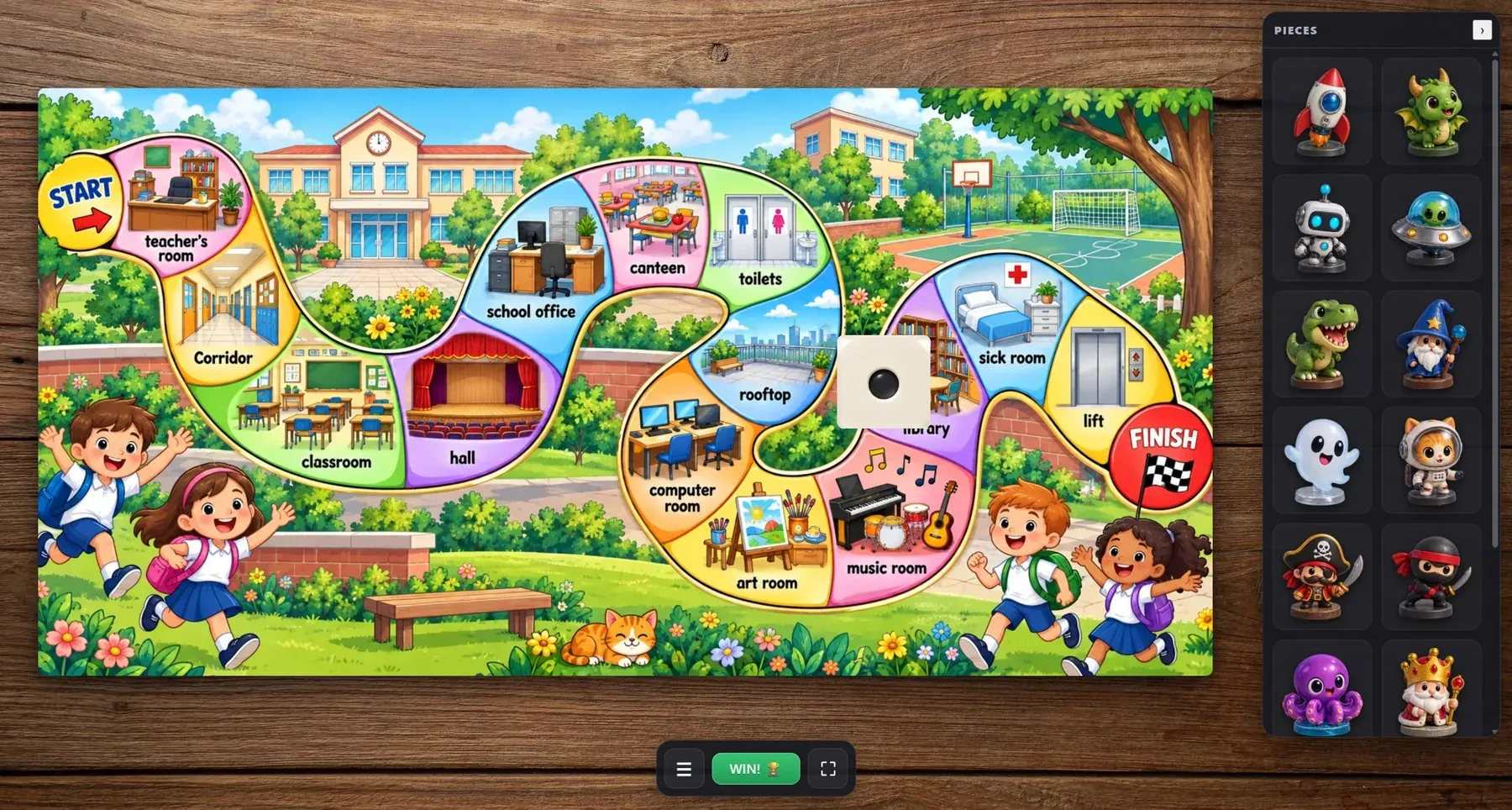
Drop in your own board image, move the pieces around the track and roll a real 3D die — a digital board that behaves like the one on your desk.
This week’s words. A brand new adventure.
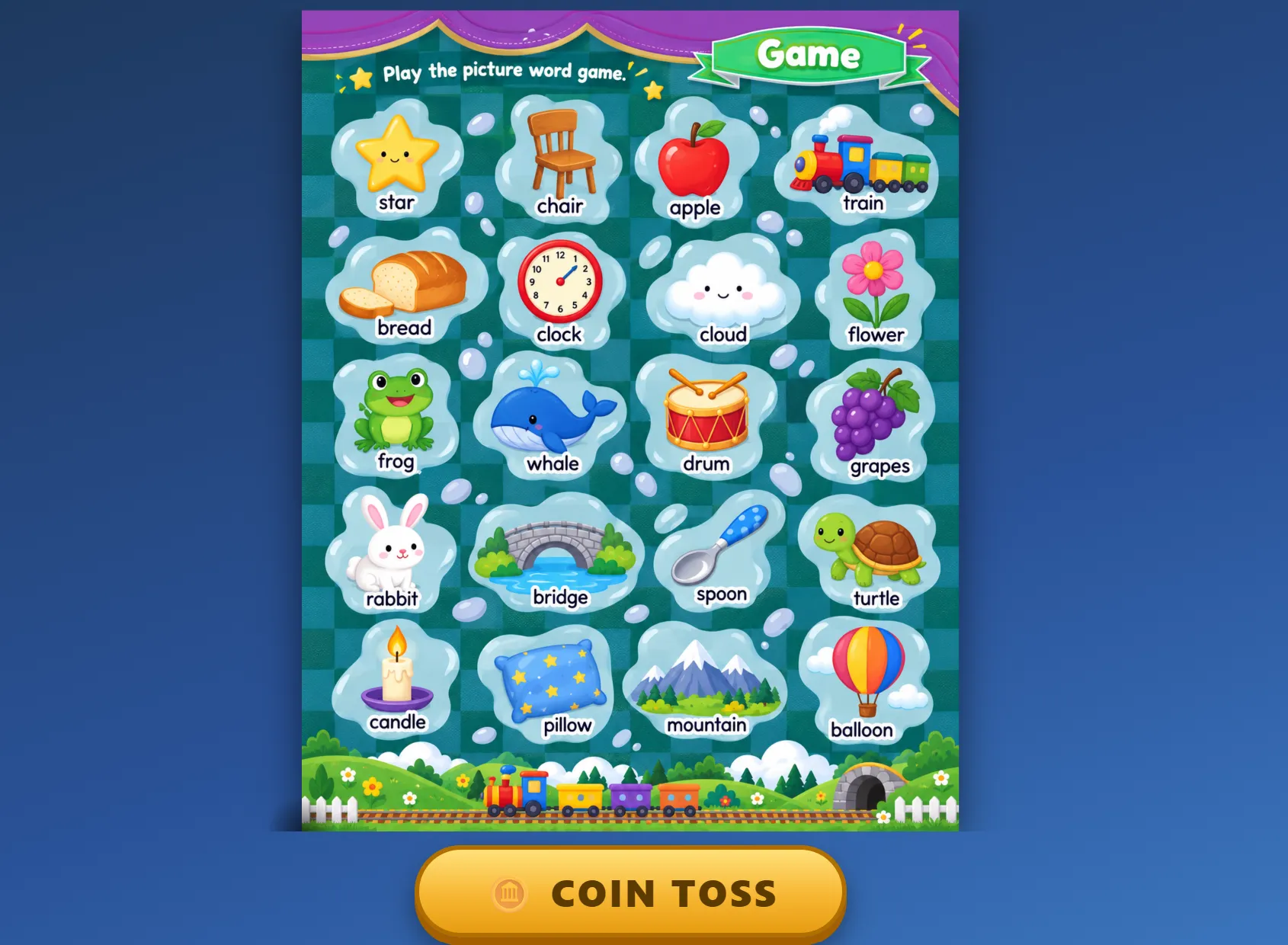

A free review game for the classroom screen: your own word sheet, one button, and a coin that spins, bounces and lands on a word to practise.
My favourite kind of quick revision.