
Special Board Game
Turn any lesson image or word list into a classroom board game.
Checkout is coming soon. You’ll be able to buy through Lemon Squeezy once the store is ready.
- Portable version included
- Works offline
- No admin rights needed
Overview
Special Board Game is a digital board that behaves like the real thing. Choose a board image, place it on the table, then play: pick a piece, drag it around the track, and flick the 3D dice across the board. The die tumbles, bounces and settles with real physics instead of playing a canned animation.
Because the board is just an image, it can be anything you need: a vocabulary path, a map, a question trail or a revision circuit. Add your own pictures from the menu, change the tabletop behind the board, and keep a folder of numbered boards ready to switch between without closing the app.
It was designed for a classroom screen rather than for a games console. The controls stay out of the way, the board can be panned, zoomed and rotated, and pieces can be dragged freely so you can follow the rules you actually use. When a team reaches the finish, the WIN button adds confetti and a trophy for the class.
Features
Everything important at a glance — no hidden extras and no subscription.
-
Your own learning materials
Use any picture as the board: word tracks, maps, question trails, revision circuits or your own artwork.
-
Customisable game board
Pan, zoom and rotate the board, and change the board image at any time without restarting.
-
Physical 3D dice
A simulated die that tumbles, bounces and settles like the real thing, with adjustable speed and bounce.
-
Moveable pieces
Drag pieces freely, change their size and choose from several piece styles, including a pieces tray.
-
Reusable lesson content
Keep numbered boards and tabletops in folders. Add new images from the menu and reuse them next lesson.
-
Classroom-friendly controls
Fullscreen mode, keyboard shortcuts and a big WIN button — everything works with just a mouse.
-
Table and piece styles
Nine tabletop textures and multiple piece styles are included, and dropping in your own images adds more.
-
Winner celebration
Confetti and a trophy overlay celebrate the winning team without interrupting the game.
Screenshots
Click any image to open it larger.
System requirements
- Operating system
- Windows 10 or Windows 11
- Architecture
- 64-bit (x64)
- Storage
- About 400 MB installed (the download is ~173 MB)
- Memory
- 4 GB RAM or more
- Display
- 1280 × 720 or higher recommended
- Internet
- Not required after downloading
- Input
- Mouse or trackpad (fullscreen supported)
What you get
- Full installer (Vocabulary Board Game Setup 1.0.0.exe)
- Portable no-install version (Vocabulary Board Game Portable 1.0.0.exe)
- A personal teacher licence — install on the computers you use
- Updates included for this version
- All included board examples, tabletop textures, piece styles and sounds
- Email support
Version & updates
Current version 1.0.0 · last updated
- First public release.
- Physical 3D dice, moveable pieces and switchable board and table images.
- Installer and portable builds.
More classroom tools
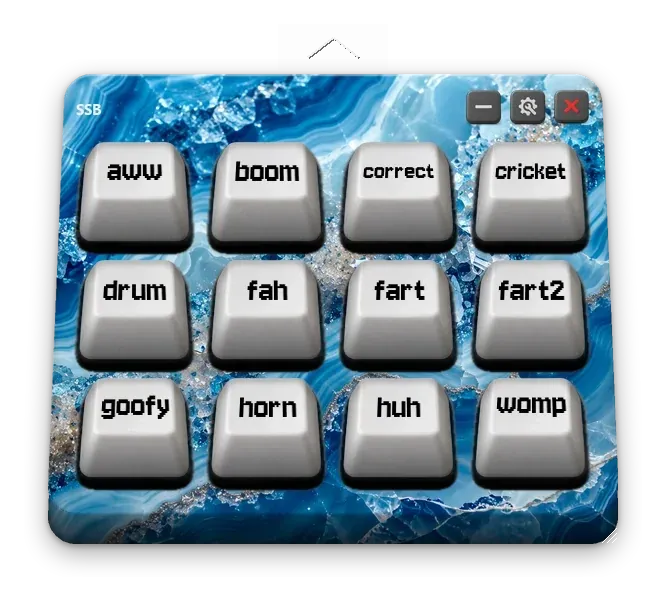
Drop in your own sounds, arrange them on a physical-looking keyboard, and reward your class with animated stars that level up as they collect them.
For the perfectly timed ta-da!
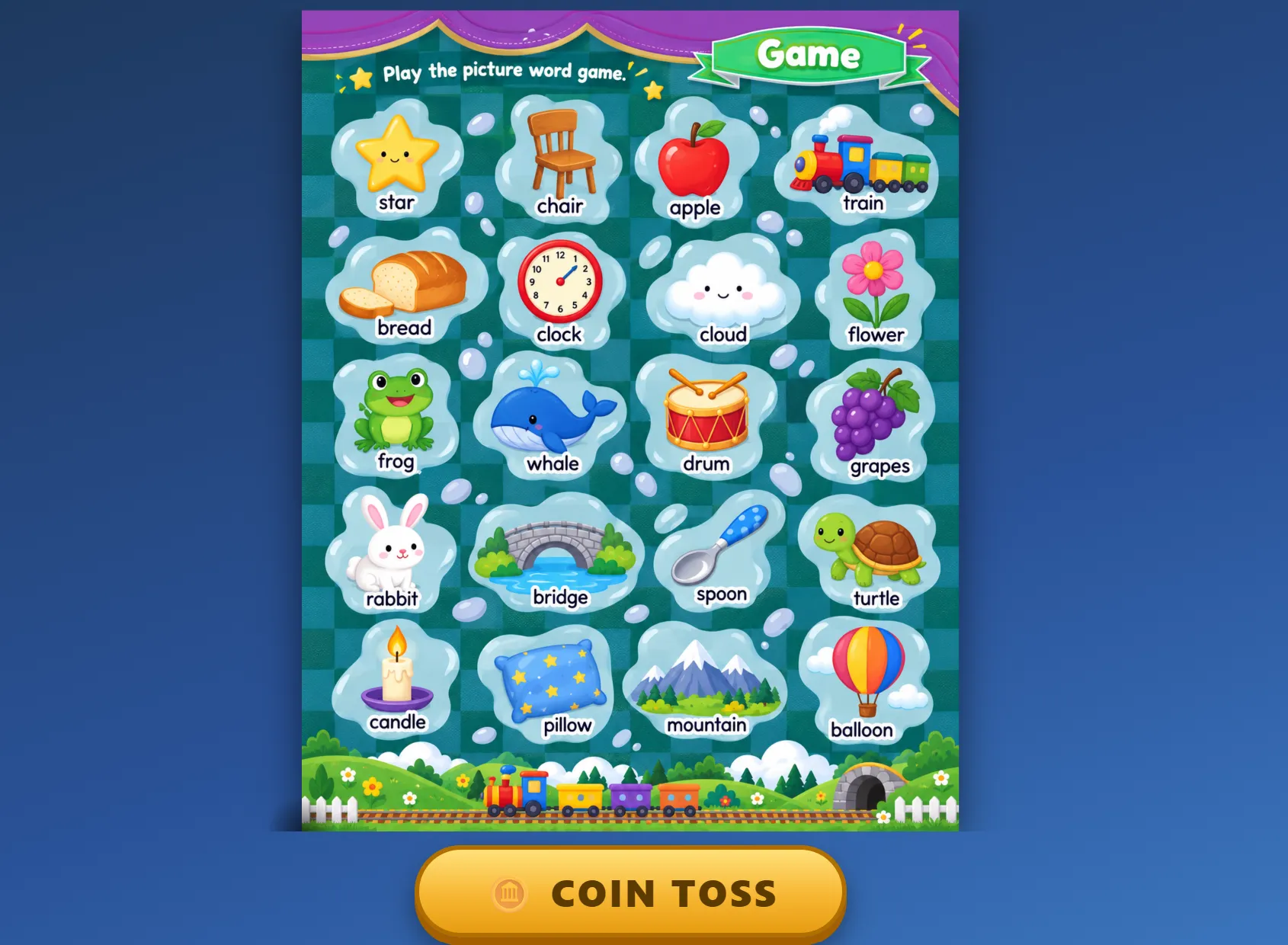

A free review game for the classroom screen: your own word sheet, one button, and a coin that spins, bounces and lands on a word to practise.
My favourite kind of quick revision.