
Coin Toss
Toss the coin, land on a word, and get the whole class speaking.
Play free, no account needed. The download is for offline lessons.
- Play online
- No account needed
- Offline download too
Overview
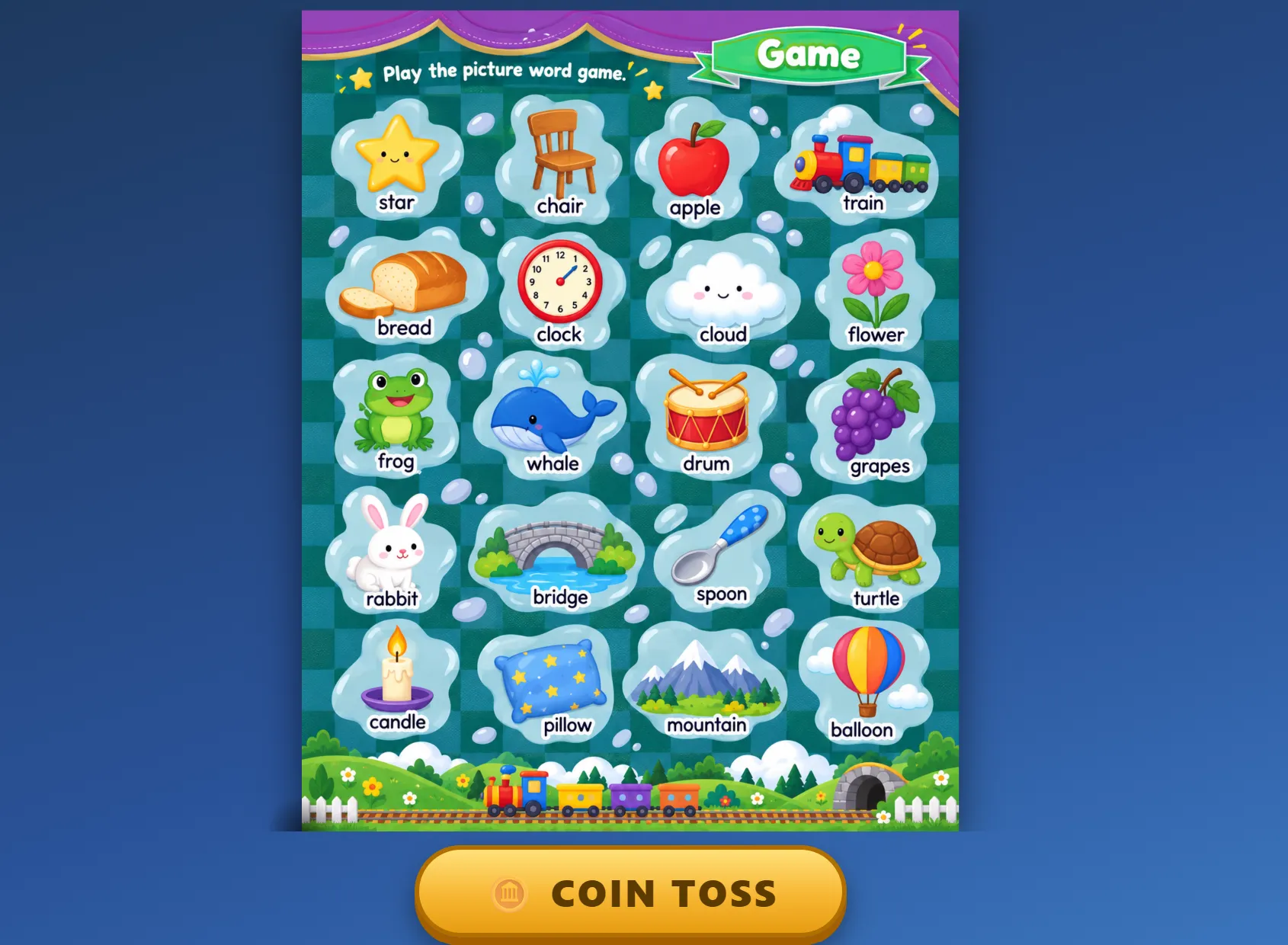
Coin Toss is a simple speaking game for the classroom screen. Show any word sheet or picture, press COIN TOSS, and the coin spins, bounces and lands on a random spot. The class says the word under the coin.
It was made for quick review moments. The game never reads the words on the sheet, so you can use your own materials: vocabulary sets, phonics practice, revision pictures, or a sheet your students helped to make. Pan and zoom around large sheets, then toss again.
Play right here on the website: press Change background to choose your own picture, then toss. Your picture stays on your device and is never uploaded. No account or installation needed.
For offline lessons, download the ZIP, extract the whole folder, and open index.html in your browser. It works offline and is completely free. To use your own word sheet, replace background/background.png with your image, then refresh the game.
Features
Everything important at a glance — no hidden extras and no subscription.
-
A real coin toss
The coin spins, bounces and settles at a random spot with toss, bounce and landing sounds.
-
Use your own word sheets
Choose your vocabulary, phonics or revision picture with Change background in the online game.
-
One button
Press COIN TOSS and the target word changes instantly. Ideal for a quick warm-up or review.
-
Pan and zoom
Drag to move around large sheets and scroll to zoom in on the words you are practising.
-
Works offline
No account, no sign-up and no internet connection needed after downloading.
-
Completely free
No purchase, no licence key and no restrictions on how you use it in class.
System requirements
- Browser
- A recent version of Chrome, Edge or Firefox
- Platform
- Works on Windows, and also on macOS and Linux browsers
- Internet
- Not required after downloading
- Storage
- About 4 MB · ZIP download
- Sound
- Optional — toss and landing sounds
Version & updates
Current version 1.0.0 · last updated
- First release of the free classroom review game.
More classroom tools
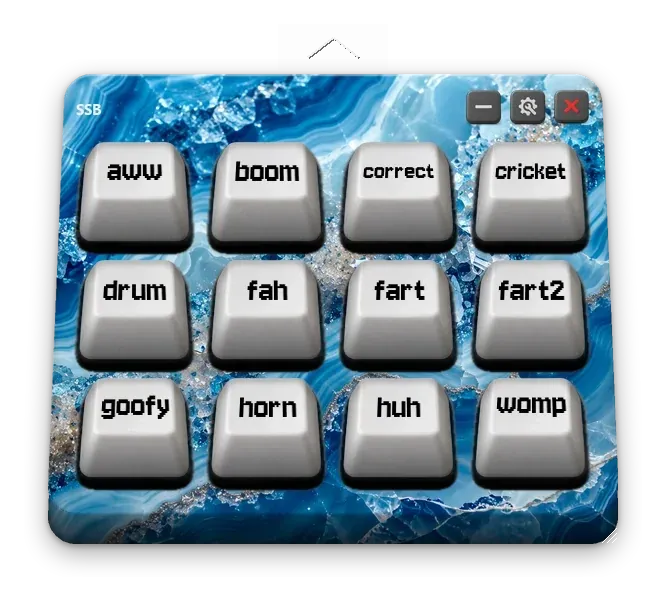
Drop in your own sounds, arrange them on a physical-looking keyboard, and reward your class with animated stars that level up as they collect them.
For the perfectly timed ta-da!
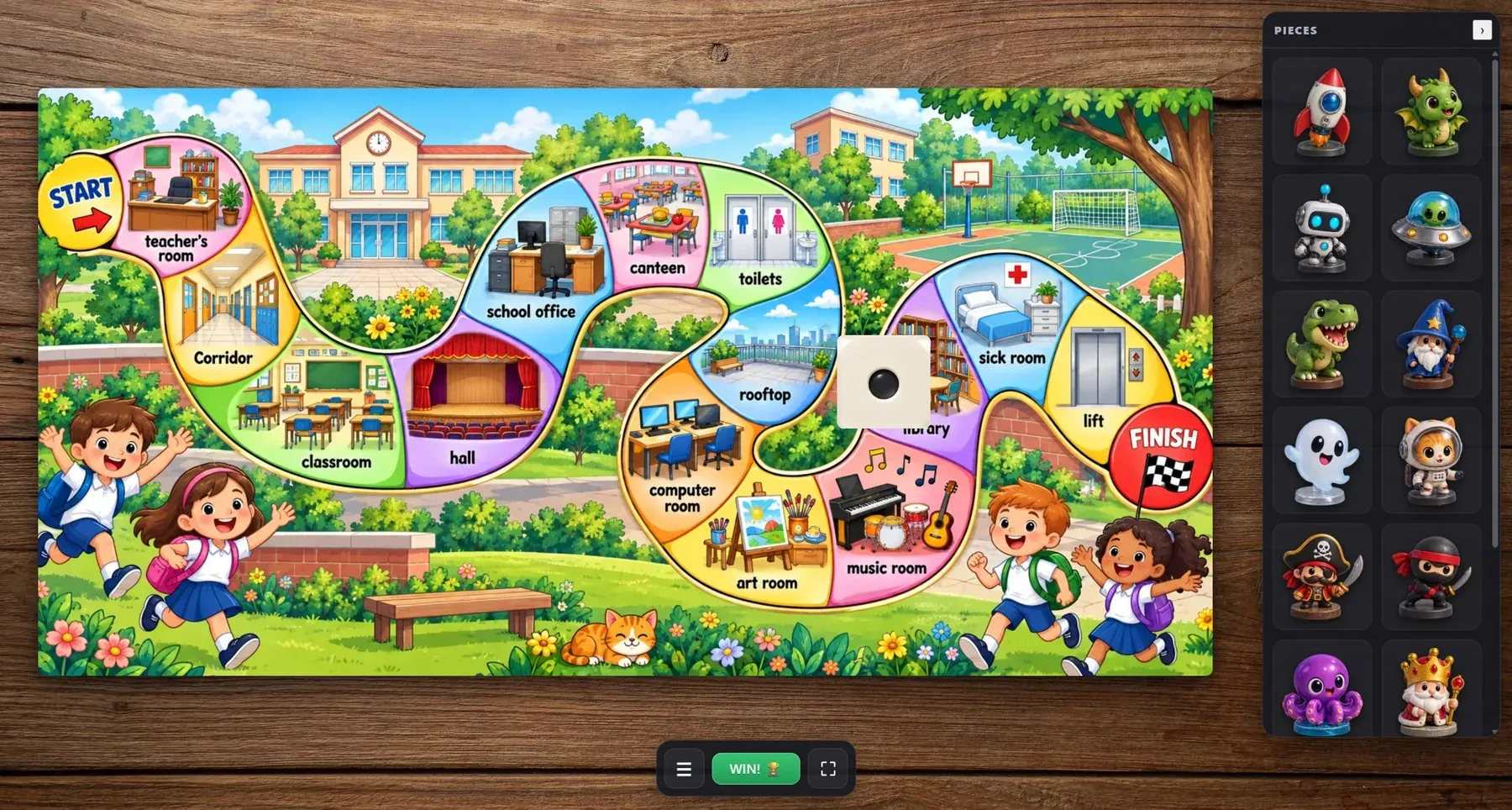
Drop in your own board image, move the pieces around the track and roll a real 3D die — a digital board that behaves like the one on your desk.
This week’s words. A brand new adventure.