
Overview
Type a word and search for a picture, or upload your own. Add 3 to 20 words and pictures, and Word Shuffle turns your vocabulary list into a colourful shell game on a classroom table.
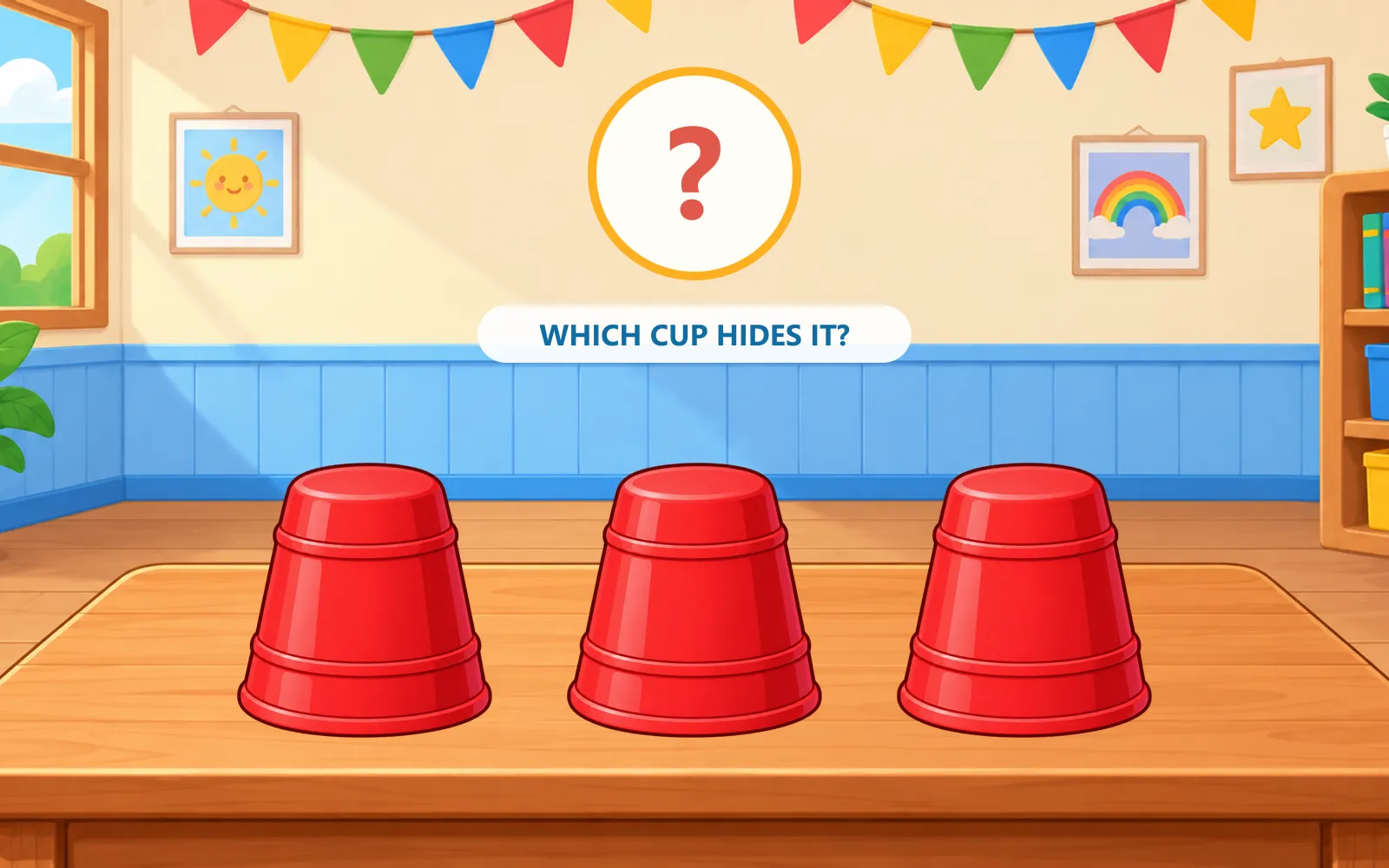
Each round a picture appears above the cups, then slips under one of them. The cups shuffle — starting slowly and speeding up — and your class must remember which cup is hiding the picture.
Pick a cup and it opens straight away. If it is empty, students simply try another one. When the picture is revealed, a matching question appears: “Which word matches the picture?” with three big answer buttons. A wrong word turns red and the picture stays on screen so students can try again; the correct word wins the round.
Find the picture and the game celebrates with a happy sound, then moves on to the next round by itself. Finding it on the first cup earns bonus points. Choose the number of rounds, a difficulty preset, the cup speed and whether difficulty grows each round; sound effects can be turned on or off. Library pictures and words are remembered after refresh; your own uploads stay private for this session.
Features
-
Your vocabulary pictures
Search by word or upload your own JPG, PNG or WebP files up to 5 MB each. Use 3–20 words.
-
A real shell game
Cups shuffle along smooth curved paths, crossing over one another, starting slowly and gradually speeding up. The picture is tracked to the true cup, never just its position.
-
Match the word
When the picture is revealed, students choose the matching English word from three big buttons — so the vocabulary is practised as they play.
-
Three difficulties
Easy, Normal and Hard change the number of swaps, the cup speed and how long the picture is shown. Fine-tune the speed, and optionally make it harder each round.
-
First-try bonus
Finding the picture on the very first cup earns extra points. Wrong answers never end a round — students keep trying until the picture is found.
-
Friendly sounds
Gentle correct and “try again” sounds, a whoosh as the cups move and a celebration when the picture is found. Sound can be turned off for quiet classrooms.
System requirements
- Browser
- A recent browser with JavaScript enabled
- Pictures
- 3–20 JPG, PNG or WebP pictures, up to 5 MB each
- Controls
- Mouse, touch or keyboard
- Internet
- An internet connection to open the game on this website
- Installation
- None — play online in your browser
Version & updates
Current version 1.0.0 · last updated
- First online release with the three-cup shuffle, picture preview, answer-to-open vocabulary questions, difficulties, speed control, growing difficulty and first-try scoring.
More classroom tools
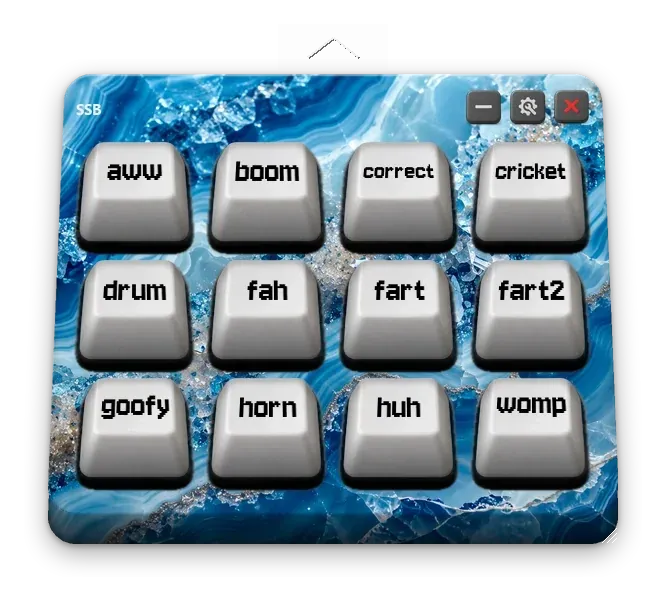
Play your own sound effects and reward students with animated stars, all from one floating keyboard.