
Word Muncher
Read the word. Feed the frog.
Play free on this website. No account or installation needed.
- Play online
- Your own pictures
- Reading & vocabulary
Overview
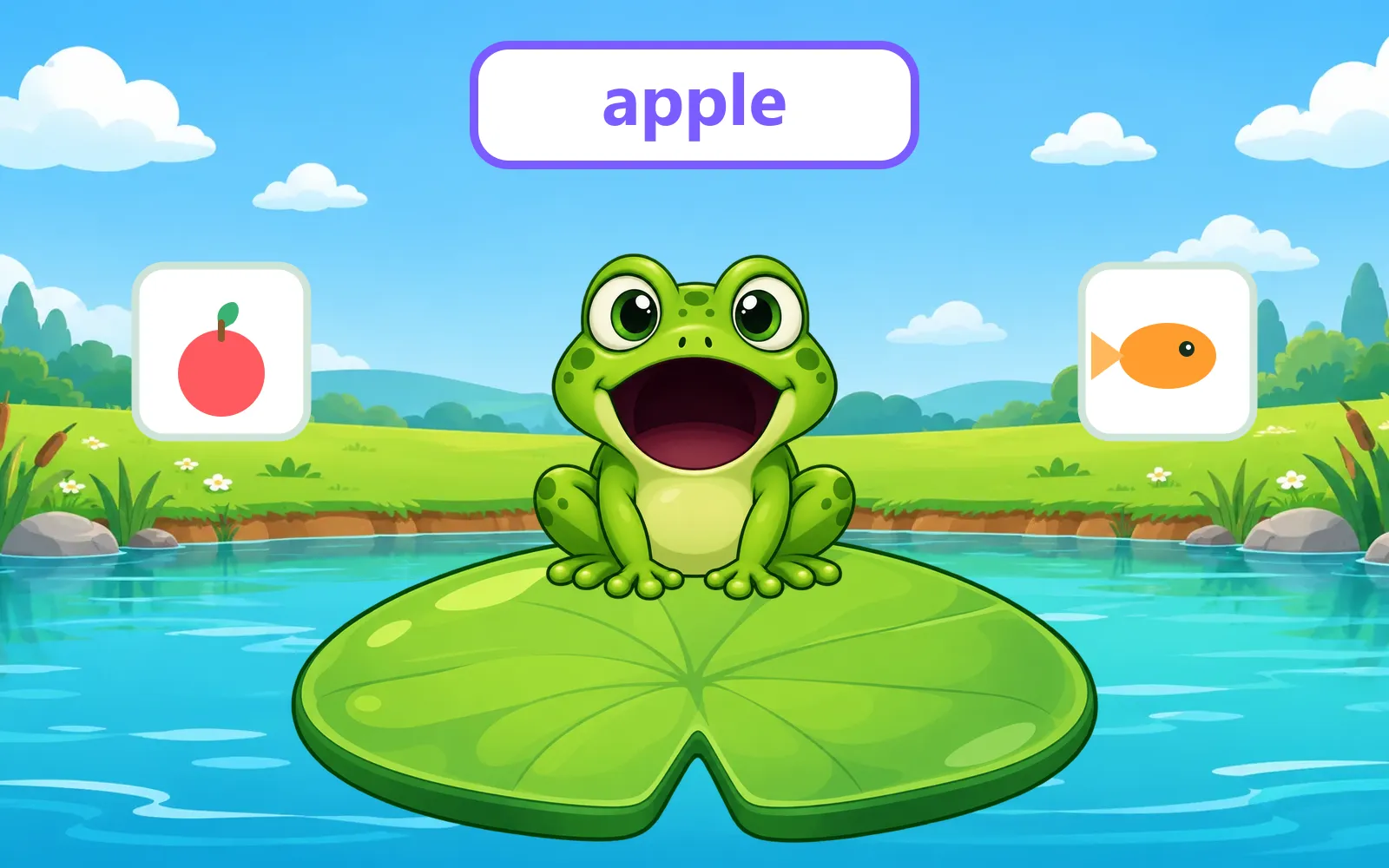
Type a word and search for a picture, or upload your own. Add 4 to 20 words and pictures, and Word Muncher turns your vocabulary list into a busy pond full of hungry frogs.
Each round the frog holds up one of your words. Students read it (or press “Hear it” to listen) and tap the matching picture floating over the water. The frog shoots out its tongue, snatches the right picture and gulps it down; the wrong picture shakes and stays on the pond so the class can try again.
Frogs are lives. Every wrong answer makes the frog fall off its lily pad, and one of the spare frogs waiting on the background pads hops in to take its place. Lose every frog and the pond is empty — game over. Correct answers build a streak, and after a couple of misses the right picture glows to give the class a helping hand.
Optional extras for class: a countdown timer with friendly +1 minute buttons, a choice of 4, 6 or 8 pictures on screen, 3 to 5 frogs as lives, sound effects, and a “say the word aloud” setting that uses your device’s English voice so pre-readers can play by listening. Library pictures and words are remembered after refresh; your own uploads stay private for this session.
Features
Everything important at a glance — no hidden extras and no subscription.
-
Your vocabulary pictures
Search by word or upload your own JPG, PNG or WebP files up to 5 MB each. Use 4–20 words.
-
Reading, not guessing
The frog shows the word and students match it to the picture — a simple read-and-find activity that grows vocabulary.
-
Catch it with the tongue
The frog’s tongue shoots out and snatches the matching picture. Satisfying, silly and instantly understood.
-
Frogs are lives
Every wrong answer costs a frog. Spare frogs wait on the background lily pads and hop in to replace the one that falls.
-
Hear the word aloud
Press “Hear it” to hear an English pronunciation using your device voice, so younger learners can play by listening.
-
Optional timer
Turn the countdown on or off, choose 1 to 10 minutes, and add +1, +5 or +10 minutes live when the class needs more time.
System requirements
- Browser
- A recent browser with JavaScript enabled
- Pictures
- 4–20 JPG, PNG or WebP pictures, up to 5 MB each
- Controls
- Mouse, touch or keyboard
- Internet
- An internet connection to open the game on this website
- Installation
- None — play online in your browser
Version & updates
Current version 1.1.0 · last updated
- Replaced the monster with an animated frog and lily-pad pond, added the tongue catch and a frog lives system with a hop-in replacement.
- First online release with read-and-find gameplay, spoken words, streaks, hints, timer and class settings.
More classroom tools
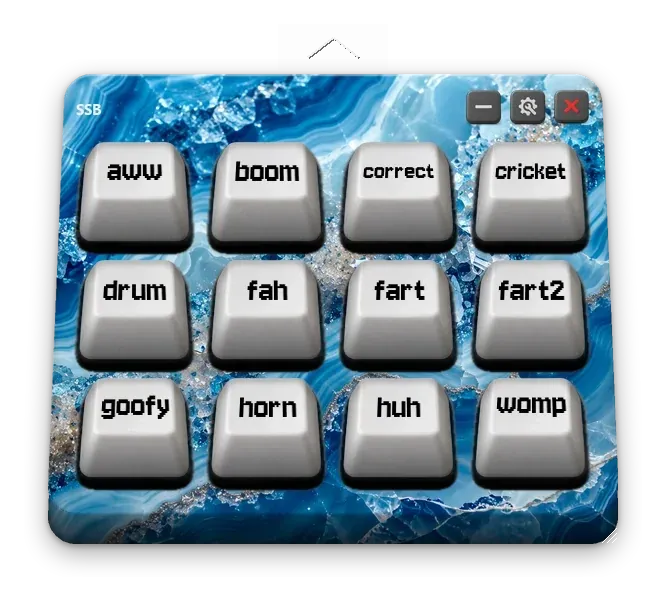

Drop in your own sounds, arrange them on a physical-looking keyboard, and reward your class with animated stars that level up as they collect them.
For the perfectly timed ta-da!
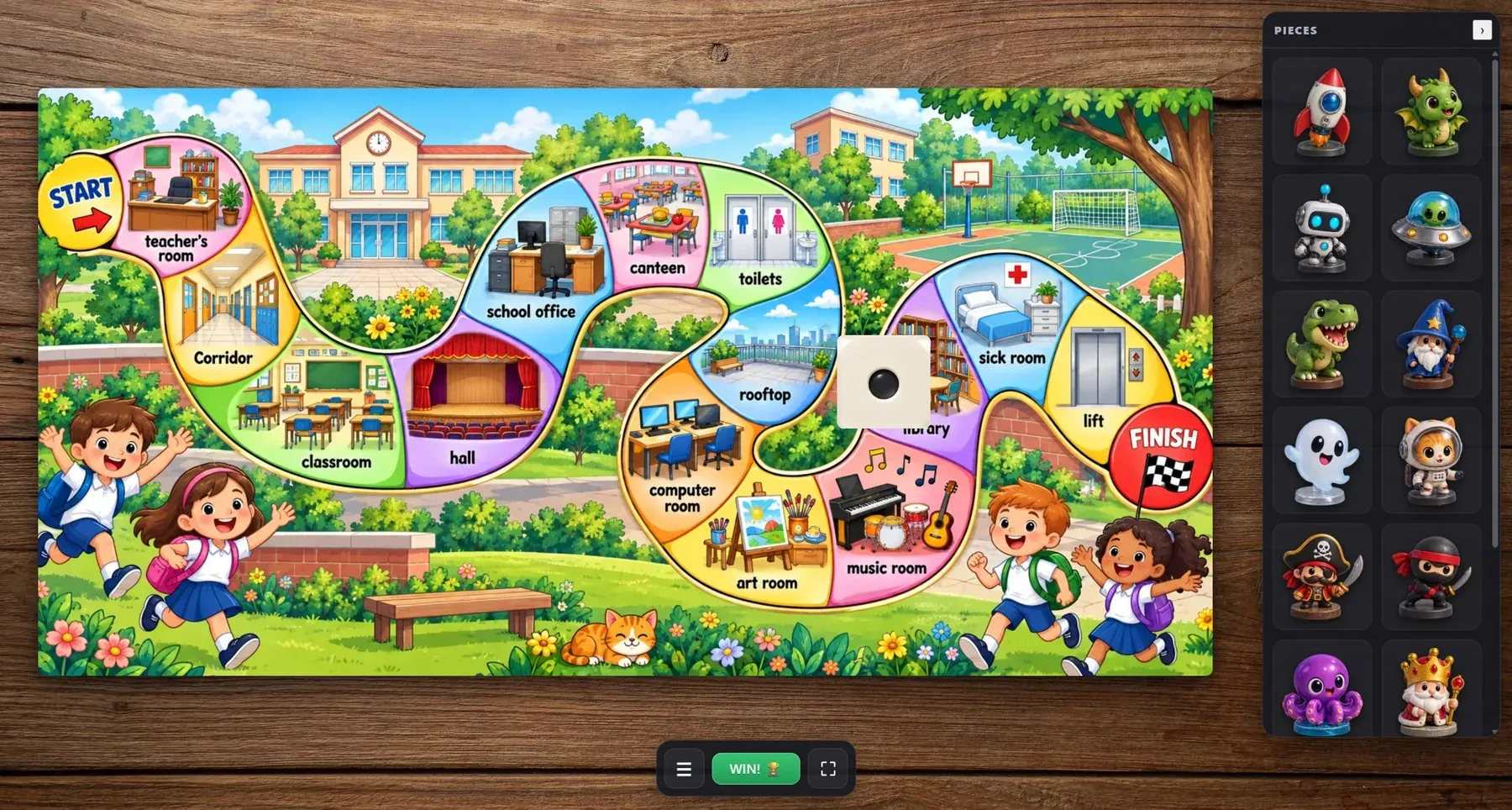
Drop in your own board image, move the pieces around the track and roll a real 3D die — a digital board that behaves like the one on your desk.
This week’s words. A brand new adventure.